
Top 4 qrio.ai Software Alternatives 2026
Top 4 qrio.ai Software Alternatives 2026

Identifying students with special educational needs early often means juggling screening software that lacks classroom integration or sets arbitrary limits on core features. Too many tools restrict adaptive supports or hide progress tracking unless schools pay for top-tier plans, causing assessment and follow-up to splinter across separate systems. This side-by-side comparison clarifies pricing, feature depth, and classroom compatibility so you can pick the screening software that will actually fit your inclusion goals and real teaching workflow.
Table of Contents
Qwixl
At a Glance
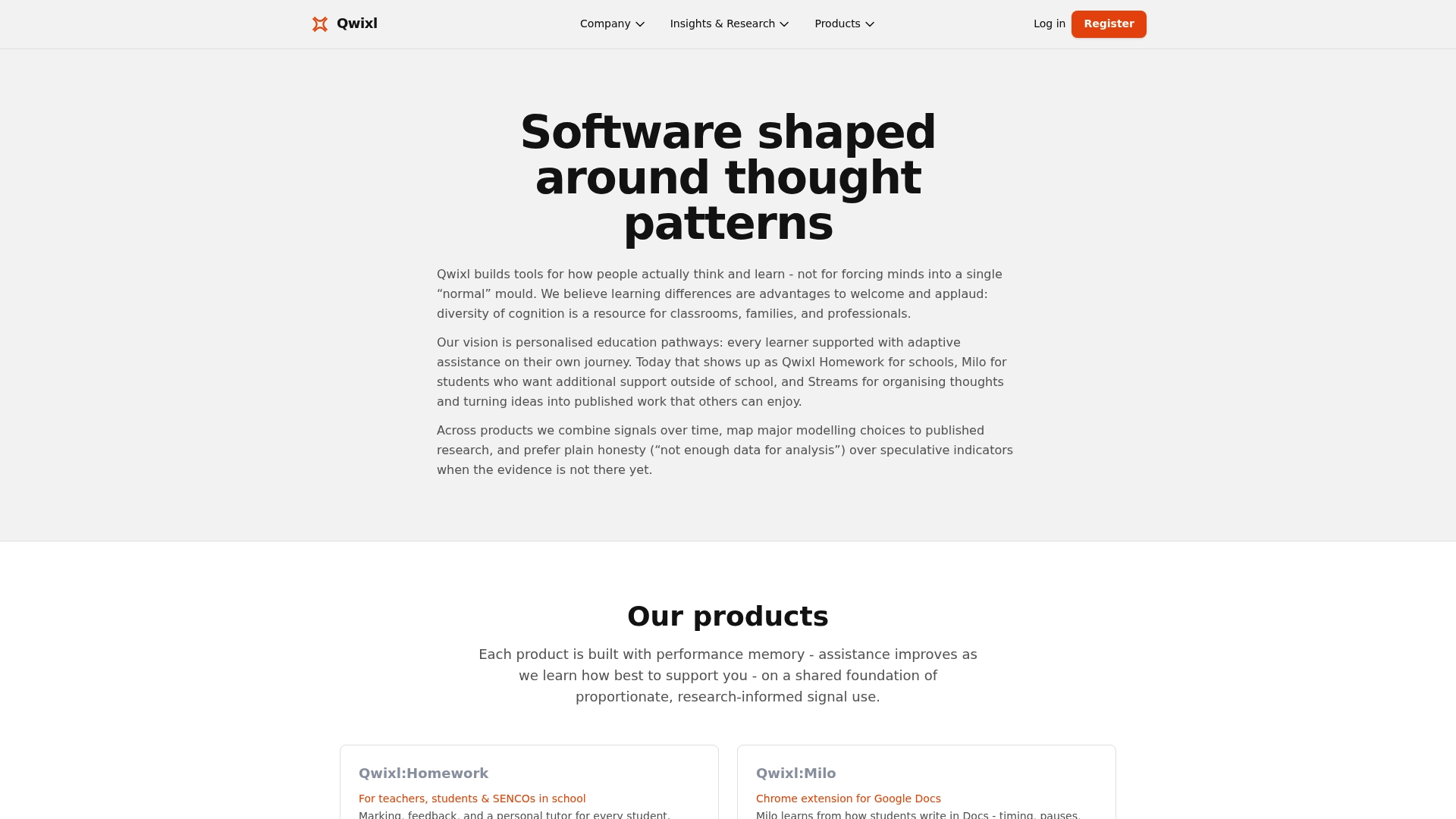
Starts free with 20 credits and offers Silver, Gold, and Platinum subscription tiers for larger credit volumes. The platform packages formative marking, writing support, and organizational tools under one roof for classroom and home use.
Qwixl emphasises privacy and evidence-informed practice while aiming to flag learners who need additional support early through patterns in work and engagement.
Core Features
- Qwixl:Homework for question-level marking, detailed feedback, and tailored follow-up activities.
- Milo for writing support and personalised prompts that scaffold student drafts over time.
- Streams for note organization and helping learners capture thinking across assignments and terms.
- Longitudinal tracking of student progress across assignments, terms, and years to show trends.
- Compatibility with multiple assignment types and devices so classroom and remote work stay connected.
Key Differentiator
Combines adaptive, research-informed insights with privacy-conscious controls across the same suite of tools so teachers can monitor patterns without applying diagnostic labels. The integrated set of marking, writing support, and organization tools keeps screening and classroom workflow inside a single environment.
Pros
- Research-informed methods reduce one-size-fits-all guessing by offering follow-up activities tied to item-level marking.
- The platform supports classroom inclusion by keeping supports available to all students without segregation.
- Early identification features surface work patterns that help teachers prioritise interventions before gaps widen.
- Emphasis on privacy and transparency helps schools work within local data policies while still using AI-supported signals.
Cons
- Limited support for complex, specialist interventions that lie beyond the scope of the platform’s AI-guided insights.
Who It’s For
Teachers, SENCOs, school leaders, and parents who need tools that support inclusion, formative assessment, and measurable progress tracking. Works well where teachers want classroom-friendly data without clinical labeling or heavy admin overhead.
Unique Value Proposition
Collects signals from typing patterns, writing, and engagement and delivers that information as marking feedback, screening cues, and organizational support rather than diagnostic labels. That focused design lets teachers act on observable work patterns while keeping student data purpose-limited and privacy-aware.
Real World Use Case
A teacher assigns a weekly writing task through Qwixl:Homework, uses Milo to provide scaffolded prompts for struggling writers, and watches Streams to see how a pupil’s organization changes across four terms. Early flags inform targeted small-group work before progress stalls.
Pricing
Start free with 20 credits. Upgrade to Silver, Gold, or Platinum plans when you need more credits. Top-up packs are available and all paid plans include core marking, feedback, and progress insights.
Website: https://qwixl.com
Typing.com
At a Glance
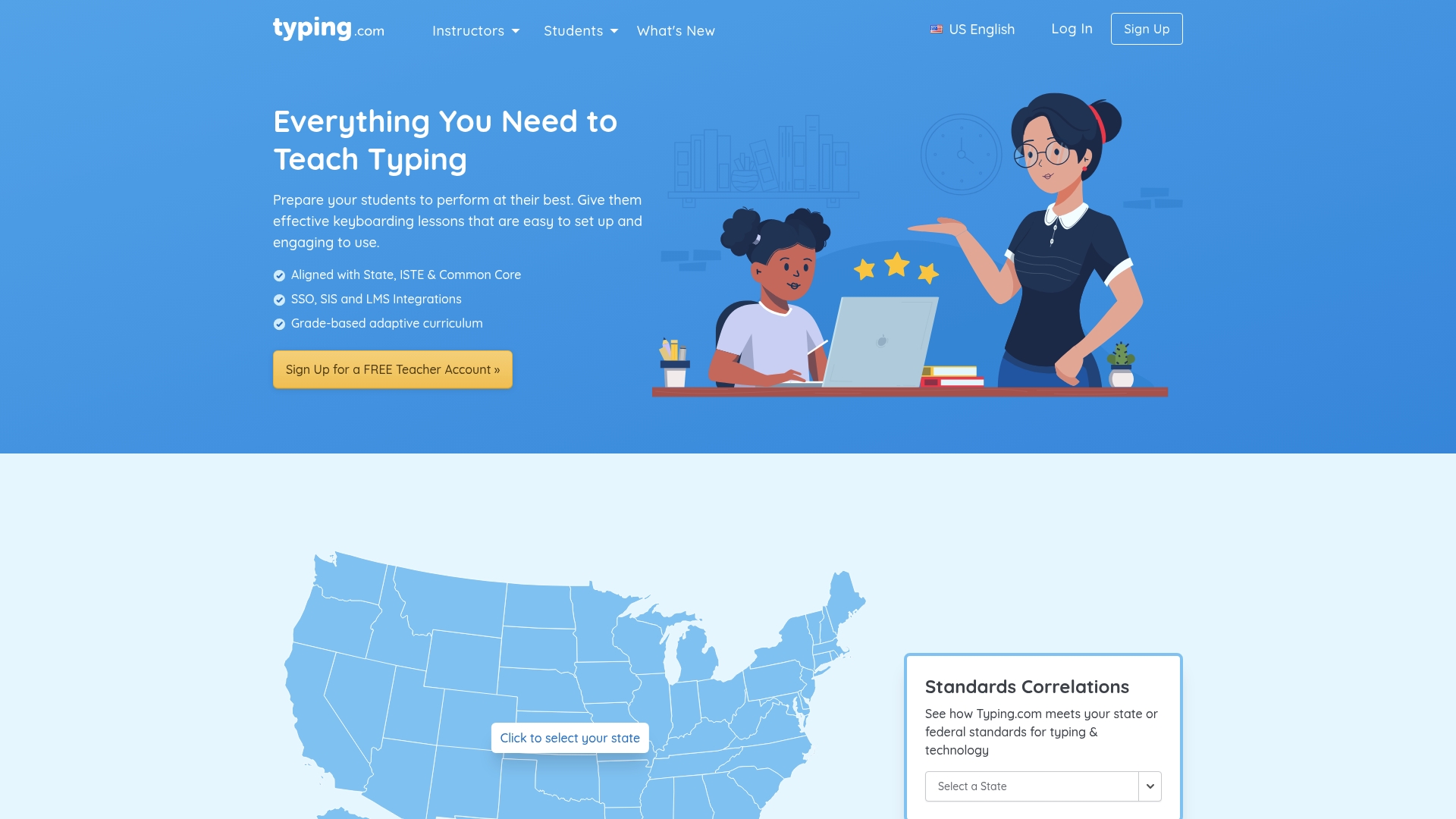
Free, standards-aligned keyboarding lessons that include SSO and roster synchronization for classroom rostering. The vendor emphasizes privacy with TLS encryption and a no-PII option while offering adaptive, teacher-customizable lessons alongside free and premium tiers.
Core Features
- Standards-aligned curriculum mapped to State, ISTE, and Common Core standards so lessons match school objectives.
- Adaptive, grade-based lessons that adjust practice to student performance and weaknesses.
- Custom lesson assignments with auto grading, benchmarking tools, and real-time student activity monitoring.
- Gamified interactive exercises, accessibility supports, and privacy-forward settings that avoid collecting unnecessary personal data.
Key Differentiator
The standout point is the combination of a free, standards-aligned curriculum with classroom-ready roster sync and privacy controls. That mix makes Typing.com less of a single app and more of a turnkey classroom resource for keyboarding and digital literacy where district IT needs SSO and rostering.
Pros
- Useful visual aids for finger positioning. New typists see exactly where fingers belong which reduces early frustration and increases engagement during the first lessons.
- Adaptive training targets persistent errors so weaker keys get more practice instead of repeating whole lessons unnecessarily.
- Helpful for teachers who build custom tests. You can create, assign, and auto grade tailored exercises without exporting CSVs by hand.
- Free platform with a functional feature set that lets schools adopt basic keyboarding and coding curriculum without licensing barriers.
- Accessibility and privacy features make the platform acceptable to districts with stricter student data rules.
Cons
- Frequent lag and freezing reported by many users which disrupts timed tests and frustrates younger students.
- Intrusive ads on the free tier consume bandwidth and distract learners during practice sessions.
- Inconsistent grading and occasional formatting issues make benchmark comparisons across classes harder to trust.
- No auto-login feature and account bugs add friction for large cohorts during daily roll call.
When It May Not Fit
Typing.com requires a reliable internet connection and offers limited offline access. Schools with intermittent Wi-Fi or one-to-one deployments in remote locations will struggle. Also, if your priority is diagnostic screening for learning differences rather than keyboarding instruction, this product is a narrower fit compared with assessment-oriented tools.
Notable Integrations
Typing.com supports roster and login workflows through Google Classroom, Clever, ClassLink, and Microsoft Education which reduces manual account setup and simplifies gradebook exports for many districts.
Who It’s For
K-12 teachers, curriculum coordinators, and technology coaches who need a free, standards-mapped typing and digital literacy curriculum that plugs into existing LMS and SSO infrastructure. It suits classrooms where keyboarding is an explicit skill objective rather than a byproduct of other learning tools.
Real World Use Case
A middle school teacher assigns grade-based lessons through Google Classroom then monitors live activity during a 30 minute lab. The teacher uses custom tests for students who need extra support and exports benchmark reports to share with parents at conferences.
Website: https://typing.com/teachers
TypeLab
At a Glance
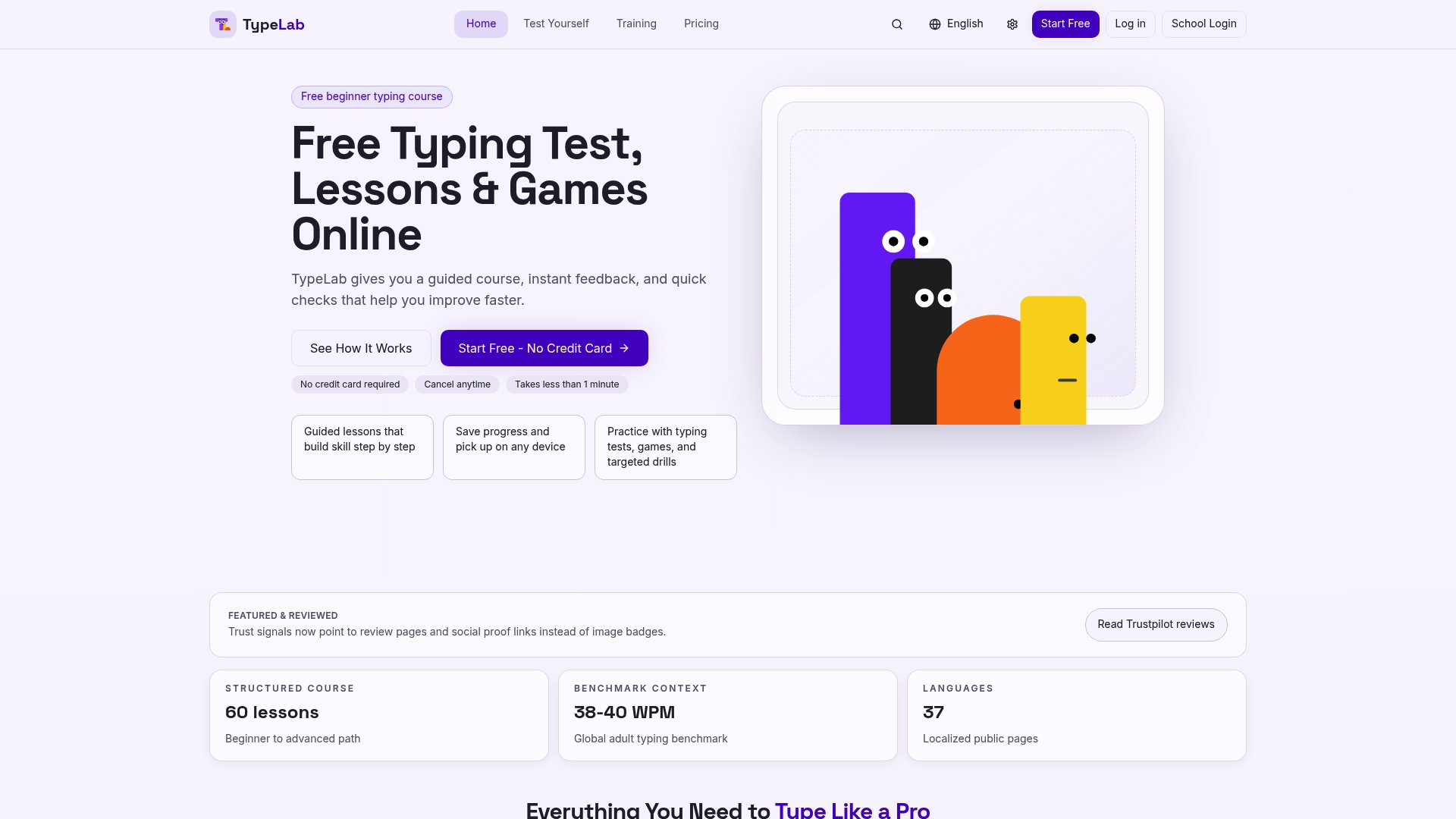
A 60-lesson course with localized lessons in 37 languages gives TypeLab reach from single households to entire classrooms. Public benchmark pages map progress to common typing standards like 38–40 WPM and 92–95% accuracy so teachers can compare class results to a clear reference.
Core Features
TypeLab delivers a step-by-step curriculum that moves learners from basic home-row drills to advanced typing fluency.
- Structured lessons follow a fixed progression of 60 modules with badges and checkpoints.
- Typing tests and games provide varied practice and short, repeatable drills for skill retention.
- Progress tracking includes adaptive boosters and certificates on course completion.
Key Differentiator
The platform pairs proven keyboard pedagogy with playful practice and broad language support. That combination makes it practical for multilingual classrooms where students use different keyboard layouts while still reporting progress against the same benchmark pages and certificates.
Pros
- Combines focused lesson sequencing with short games so practice stays engaging for younger learners and adults alike.
- Public benchmark pages give teachers a reference frame when reporting class averages to parents or school leaders.
- Localization across many languages and support for multiple layouts reduces friction in diverse classrooms.
- Trackable progress and downloadable certificates make assessment visible for reports and parent-teacher meetings.
- Flexible lesson pacing works for short lab sessions or longer homework assignments.
Cons
- No third-party independent reviews or detailed user testimonials are widely available, which leaves limited external trust signals.
- Comparative pricing analysis versus similar typing platforms is scarce, making value-for-money harder to judge from outside sources.
- Web-only access is implied; there is no vendor-stated list of integrations, SSO, or LMS connectors for district-scale deployment.
When It May Not Fit
If you need verified external reviews or peer-reviewed studies to justify procurement, the current lack of independent testimonials will be a hurdle. Districts requiring SSO, rostering automation, or LMS integration should verify technical compatibility before committing. Large vendors that need ROI benchmarking across software stacks will want more comparative data.
Who It’s For
Classroom teachers, SEN coordinators, parents, and small training teams who want a repeatable, measurable typing curriculum that works across ages and languages. Also useful for workplaces offering basic keyboard literacy training as part of onboarding.
Real World Use Case
A middle school adopts TypeLab for keyboarding lessons twice weekly. Teachers use the course flow and badges to structure lessons while benchmark pages let them show term-over-term class WPM and accuracy trends at parent nights. Certificates mark completion for student portfolios.
Pricing
Free starter lessons are available. Premium access is listed at $9.99/month or $49.99 lifetime. School licensing begins at $57.08/year per classroom, with volume and site-license options likely available through the vendor.
Website: https://typelab.org
SureTyping
At a Glance
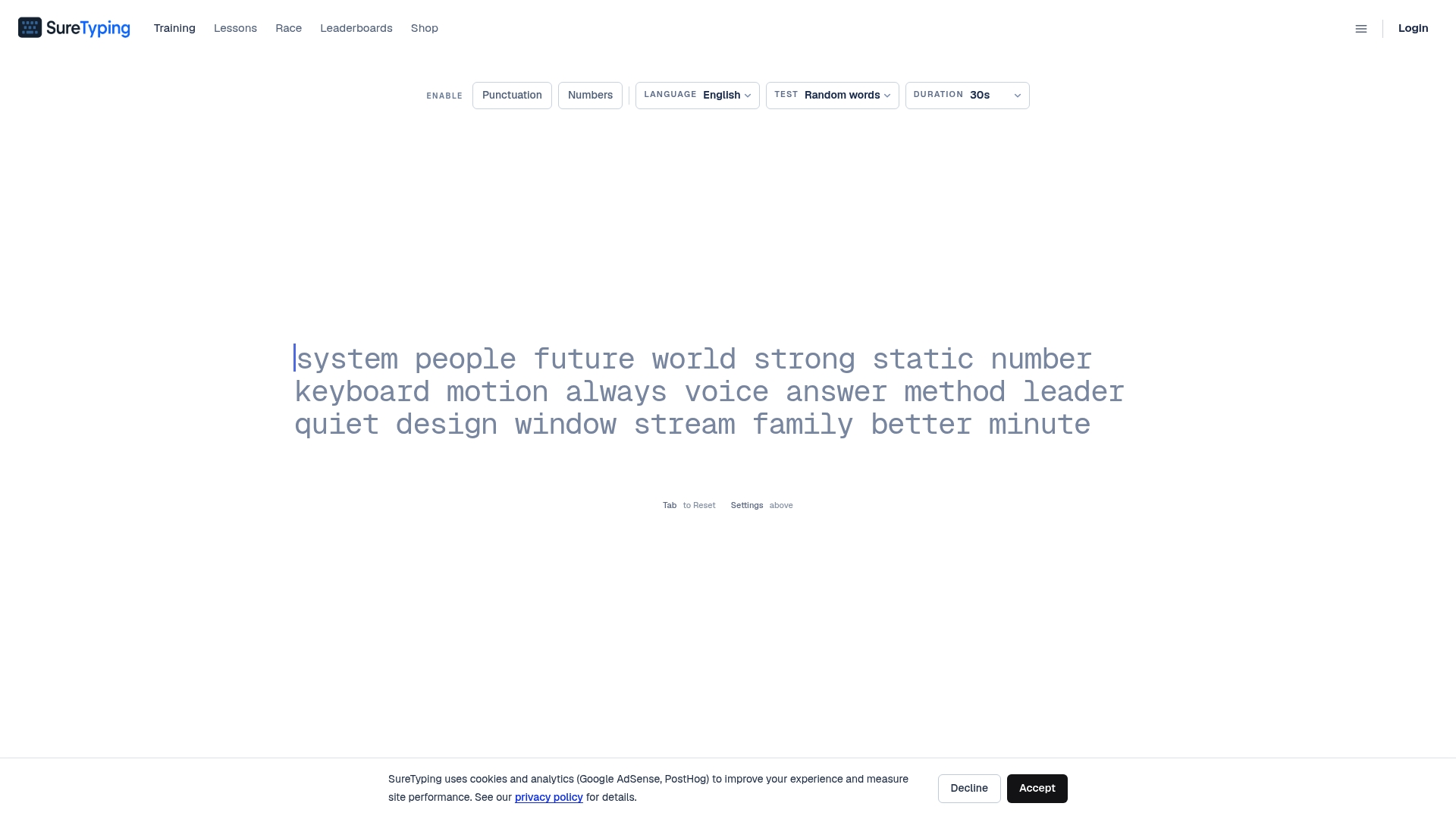
Structured lessons for 17 keyboard layouts pair with an adaptive trainer the vendor says targets your weakest keys in real time. The combination mixes progressive curricula, multiplayer races, and detailed analytics aimed at steady WPM and accuracy gains.
Core Features
- 17 keyboard layouts with progressive lesson tracks and layout transition guides.
- Adaptive AI trainer that reallocates practice to the keys and patterns you miss most.
- Detailed analytics tracking words per minute, accuracy, and error patterns for recent sessions.
- Competitive multiplayer races, global leaderboards, and reward mechanics to sustain practice.
- Dedicated curriculum for layout switchers with stepwise drills and transition support.
Key Differentiator
The platform leans on an adaptive trainer that shifts drills in real time toward a user’s weakest keys. That adaptive approach shortens the feedback loop between error patterns and practice content, so each session focuses on measurable weak spots rather than repeating well known material.
Pros
- Comprehensive layout support helps students and staff who need to learn nonstandard keyboards quickly. Schools running mixed hardware setups will appreciate this coverage.
- The adaptive trainer personalizes practice automatically, which reduces the setup work teachers otherwise do to prescribe drills.
- Pro subscription unlocks additional perks without blocking core learning tools; the base experience is usable for classroom pilots or individual learners.
- Gamified elements like leaderboards and real-time races raise engagement for older students and competitive typists.
- Analytics focus on recent performance so short practice runs reflect current skill, not historical bests.
Cons
- Public, independent reviews are scarce, so overall user satisfaction is hard to verify beyond vendor materials.
- The dataset provided lists no third-party integrations, which limits single sign on or LMS connection options for schools.
- Some advanced classrooms may need formal reporting exports or roster syncs that are not documented in the product data.
When It May Not Fit
If your school requires enterprise integrations, automated rostering, or a vendor with a broad catalog of independent reviews, this product may be a poor match. Programs that need detailed audit trails or district level provisioning will want evidence of those features before committing.
Who It’s For
Teachers, SENCOs, and parents looking for a structured, measurable typing curriculum for individual students or small classes. Also a good fit for adults retraining on alternative layouts and competitive typists who value focused drills and racing features.
Real World Use Case
A professional programmer uses SureTyping to retrain on Dvorak. They run short adaptive sessions twice a day, review analytics for error clusters, and use multiplayer races to test fluency under pressure while tracking weekly WPM improvements.
Pricing
Free core features are available for individual practice and classroom trials. A paid Pro tier adds extra perks and advanced options for regular competitors or schools that want expanded features.
Website: https://suretyping.com
Comparative Analysis
Choosing the educational screening software involves evaluating distinct trade-offs between feature depth, compatibility, and user scenarios. Here is how each platform compares:
Privacy and Data Use Policies
Qwixl excels in delivering privacy-focused formative assessment tools. Its integration of marking, feedback, and progress tracking prioritizes data security, making it ideal for schools with stringent privacy requirements. Conversely, competitors like Typing.com and SureTyping include privacy-conscious features, albeit tailored more toward data minimization rather than tracking workflows, providing alternative choices for simpler requirements.
Supporting Feature Breadth Across Learning Management Systems (LMS)
For operational ease, Typing.com supports direct integration with popular LMS systems including Google Classroom, which significantly streamlines classroom deployment. This feature is less emphasized in Qwixl, saying it supports compatibility with assignment types rather than automated system synchronization, which could be a point for schools heavily reliant on integrated setups.
Best Fit Scenarios
- Qwixl: Recommended for schools or families focusing on inclusive classroom workflows that value privacy alongside detailed, formative marking.
- Typing.com: Suited for institutions seeking a free or low-cost solution prioritizing keyboard instruction and streamlined LMS integration.
- SureTyping: Ideal for specialized typing practice among competitive users or individuals transitioning between keyboard layouts needing adaptive feedback.
Our Pick: Qwixl
Qwixl’s ability to package formative marking, writing scaffolding, and organizational tools into a privacy-focused environment creates a uniquely tailored solution for inclusive educational teams. If typing instruction or layout flexibility is the priority, platforms like Typing.com or SureTyping offer excellent alternatives.
Educational Screening Tools Comparison
For educators and organizations seeking solutions that integrate privacy-conscious data analysis with effective formative assessment, the table below highlights key offerings across the educational software market.
| Tool Name | Primary Use Case | Key Differentiator | Best For | Pricing | Notable Limitation |
|---|---|---|---|---|---|
| Qwixl | Formative marking and progress tracking | Combines adaptive insights with privacy-aware measures | Teachers and school leaders | Starts free with 20 credits; tiered subscription plans | Limited support for complex specialist interventions |
| Typing.com | Keyboarding and digital literacy lessons | Free standards-aligned lessons with classroom integrations | K-12 curriculum coordinators | Free and premium tiers available | Reported lag and formatting issues disrupt accuracy |
| TypeLab | Multilingual typing curriculum | 37 language support paired with benchmark tracking | Schools with diverse student populations | Free starter; premium at $9.99/month or $49.99 lifetime | Lack of independent reviews and comparative pricing data |
| SureTyping | Adaptive typing fluency training | Real-time adjustment to weakest key patterns | Individual learners or competitive typists | Free core features; Pro tier adds advanced options | Scarcity of third-party integrations for schools |
Discover a Smarter Alternative to qrio.ai for Inclusive Learning Support
If you are exploring qrio.ai alternatives to find tools that better support personalized learning and screening indicators, Qwixl offers a unique approach. Qwixl’s suite—including Qwixl Homework, Milo, and Streams—provides privacy-conscious, research-informed insights that track typing patterns, writing, and engagement without relying on diagnostic labels. This helps teachers spot early learning needs while keeping student data private and secure.
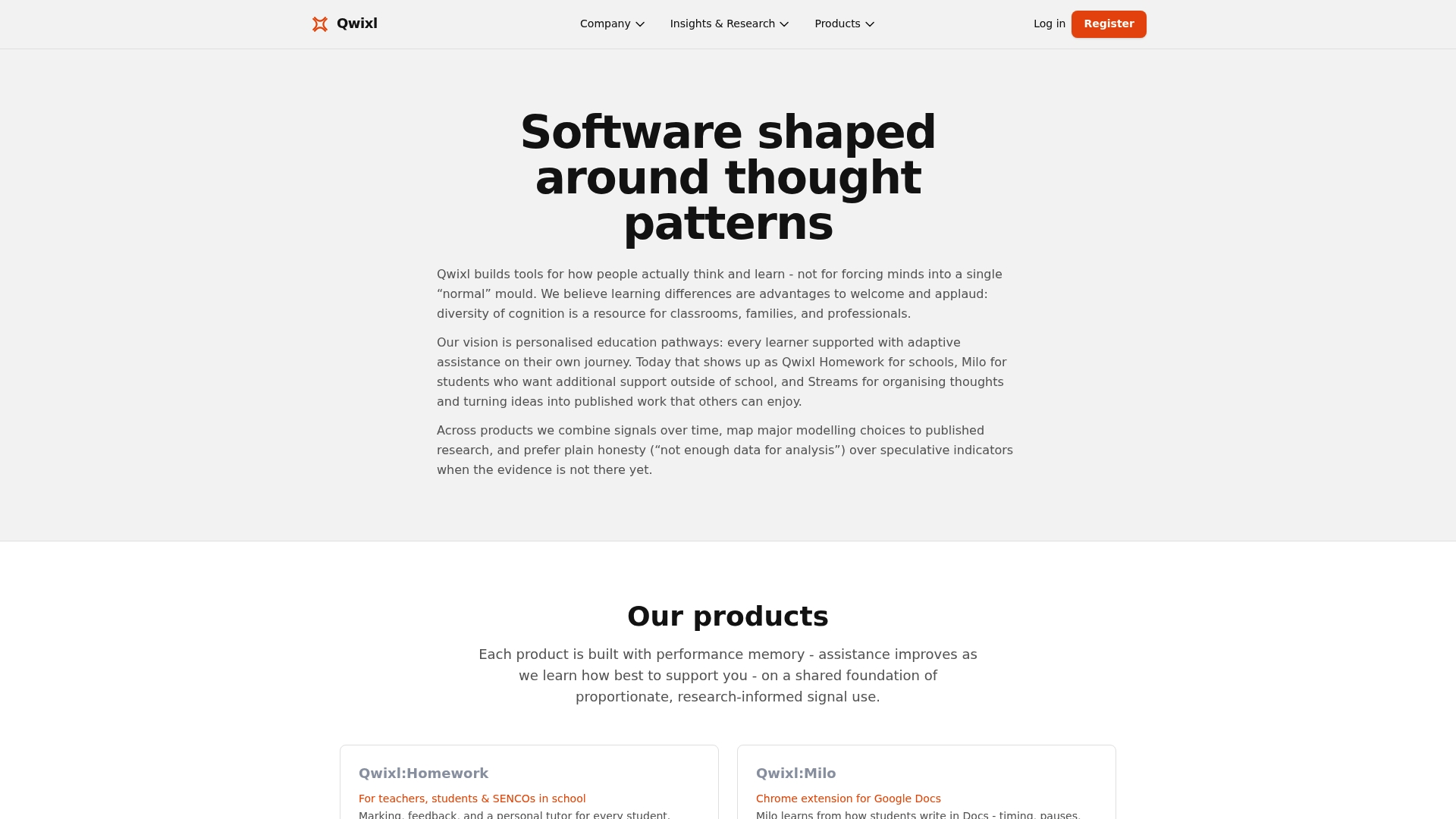
Experience how Qwixl reduces guesswork with adaptive feedback and organizational tools all in one platform designed for schools and homes. Visit Qwixl and start with free credits to see how targeted support can improve measurable progress. Take control of student engagement with detailed feedback and early intervention features that make real difference.
Frequently Asked Questions
How does Qwixl’s homework feature support formative assessment for students with special educational needs?
Qwixl’s homework feature offers question-level marking and personalized feedback that directly aids learners with special educational needs. This capability allows teachers to provide tailored follow-up activities based on each student’s responses, fostering an inclusive learning environment. Leverage Qwixl to enhance classroom engagement and monitor student understanding effectively.
What is the difference between Qwixl and Typing.com in terms of privacy protection?
Typing.com emphasizes privacy through TLS encryption and offers a no-PII option, providing a secure experience for users. While Typing.com excels in privacy features, Qwixl’s focus on actionable insights from student patterns supports early intervention for those needing extra assistance. If privacy is a primary concern, assess Typing.com, but consider Qwixl for its strengths in formative assessment tracking.
Can I use Qwixl in classrooms that require support for multiple assignment types?
Qwixl is designed for compatibility with various assignment types and devices, making it an ideal choice for classroom settings needing flexibility. Its focus on integrating homework, writing support, and organizational tools ensures that both classroom and remote work are seamlessly connected. Explore Qwixl to meet diverse educational needs in your teaching environment.
Does Qwixl offer features for tracking long-term student progress?
Yes, Qwixl enables longitudinal tracking of student progress across assignments, terms, and years, helping educators identify trends over time. This tracking capability underscores the platform’s strength in maintaining a continuous assessment loop for student growth. Utilize Qwixl to gain insights into student patterns that inform instructional decisions.
What long-term insights can I gain from using Qwixl’s tracking features?
Qwixl’s tracking features provide valuable longitudinal insights into student progress, allowing educators to recognize trends and adjust teaching strategies accordingly. The ability to monitor progress over time fosters early identification of students who may need additional support. With Qwixl, expect to enhance your strategies for improving student outcomes.